
A system compatible with almost any software
One of the most important features of MVnet is its ability to work with almost any control software. The “secret” lies in the role of LocHaus: LocHaus translates MVnet in such a way that all devices on the network are recognized as XpressNet decoders.
XpressNet is a freely available protocol and is therefore adopted by almost all software packages. Only a few precautions are required with regard to the connection type: a very small number of very old software solutions do not support the TCP/IP protocol, but these are niche cases.
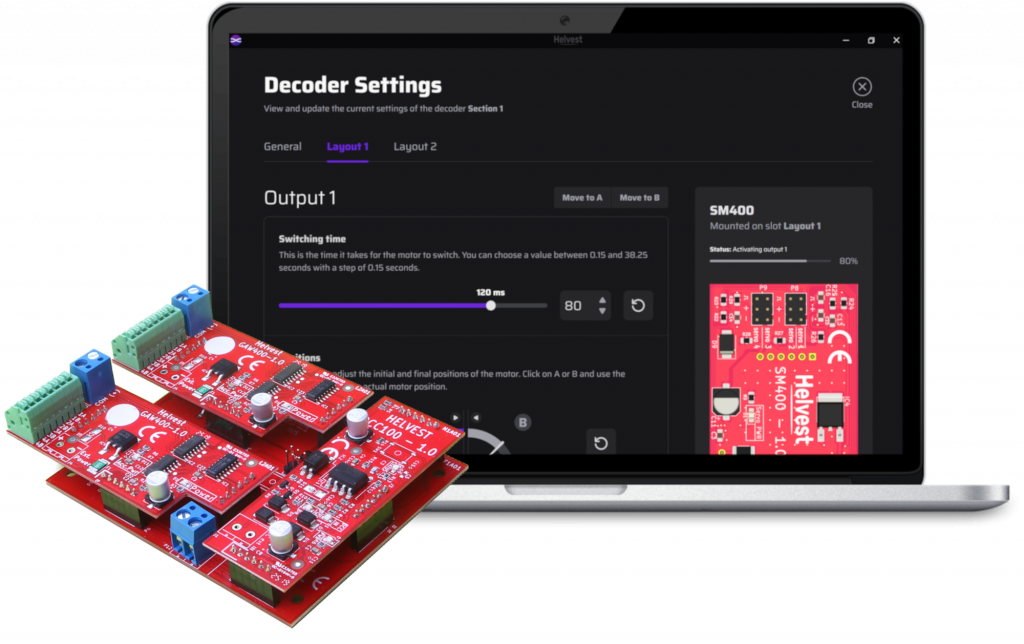
Which software is compatible with MVnet?
Based on the above, the answer is straightforward: almost all of them. Below is a list of the most widely used:
- Windigipet;
- iTrain
- Train Controller
- Rocrail
- JMRI
… and many others. If in doubt, please contact us.
An example with iTrain
Thanks to the flexibility of the system, it is sufficient to register each decoder as an XpressNet node.
The exact procedure depends on your system and on the software version in use and is normally explained in the software documentation. Below we provide an example using iTrain. Please note that this is only an example (with screenshots in French) and may vary depending on the version.
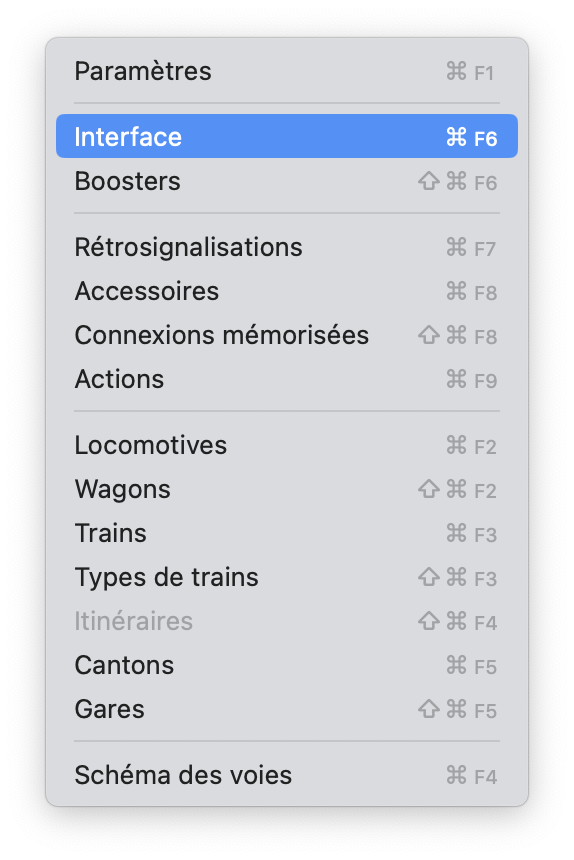
First, select “Interface” from the menu.
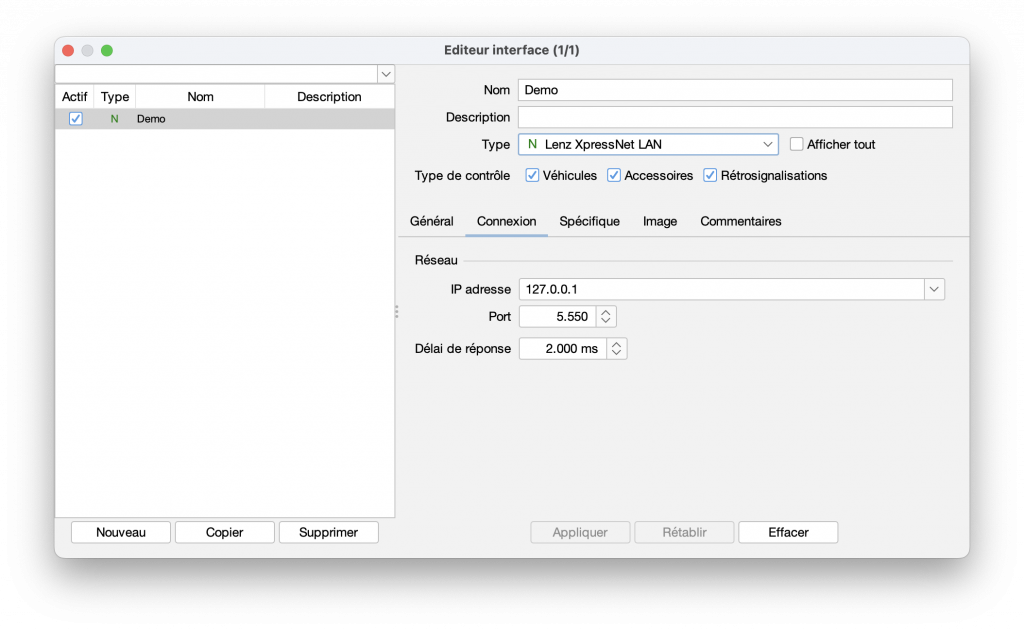
In the window that opens, set the interface type to Lenz XpressNet LAN.
In the “Network” section, enter the IP address 127.0.0.1 and the port 5550.
As you can see, only a very small number of parameters need to be configured. For other software packages, the procedure is similar, although option names and parameters may differ. Please refer to the relevant documentation for details.